
How to Protect Smart Home Devices
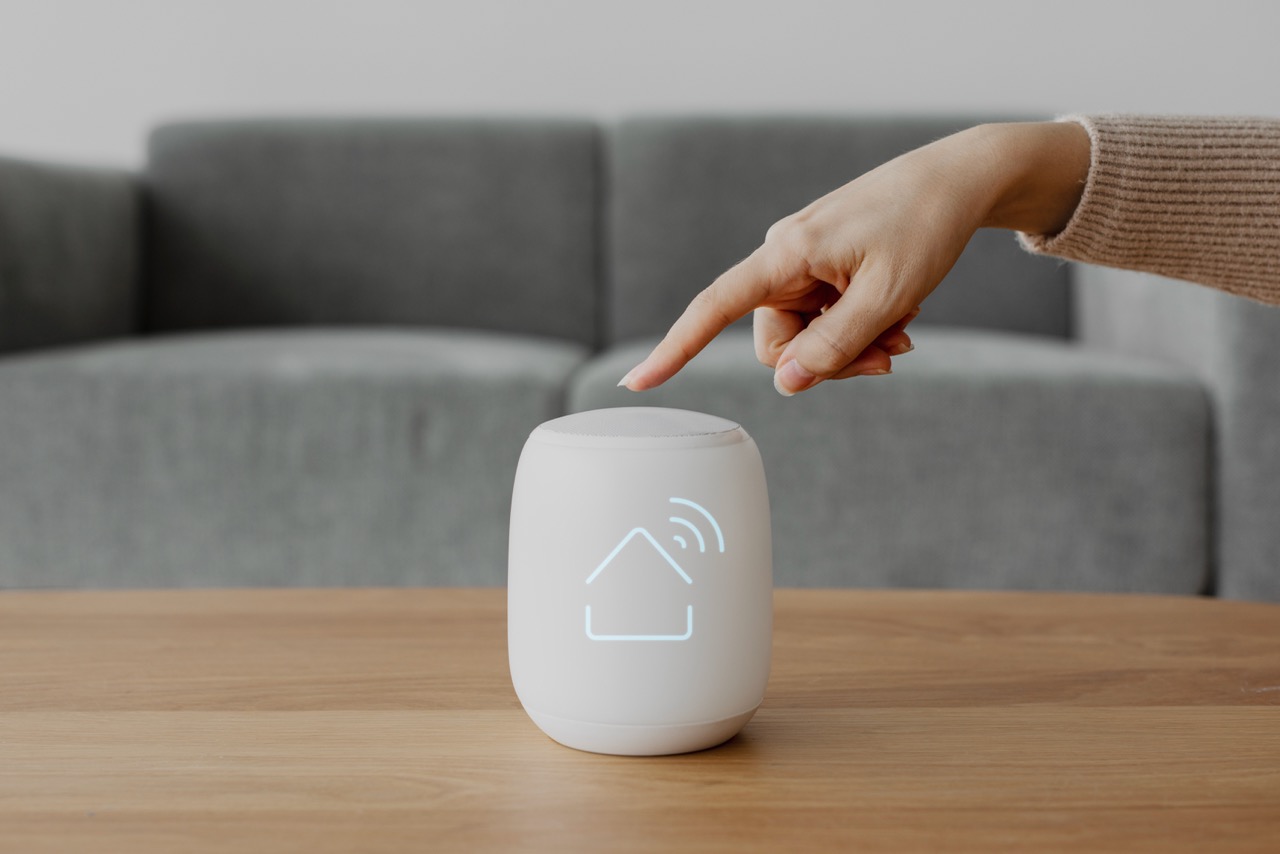



The more smart devices you add to your home—thermostats, cameras, speakers, and doorbells—the more potential entry points hackers have into your network. Many manufacturers prioritize convenience over security, leaving your digital home exposed by default.
This episode gives you the essential, non-technical steps to lock down your Internet of Things (IoT) devices in minutes.
Step 1: Create a Guest Wi-Fi Network
Every IoT device is a risk. If one is compromised, you don't want the attacker to have direct access to your primary network where your laptop and financial data reside.
- Action: Access your router's administration panel and enable the Guest Network feature. This creates a separate, isolated Wi-Fi network.
- The 5-Minute Fix: Connect all non-essential smart home gadgets (speakers, TVs, vacuum robots) to the Guest Network. Keep your phones, computers, and tablets on the primary, secure network.
Step 2: Change Default Passwords (Always)
Nearly every smart device comes with a simple, default login and password (often something like admin or 12345). Hackers use automated tools to scan for these defaults, gaining control of your device instantly.
- Action: Immediately after setting up a new device, go into its app or settings panel and change the default administrative password.
- Pro-Tip: If the device requires a password for its mobile app, ensure that password is unique and complex—do not reuse your main Wi-Fi password.
Step 3: Turn Off Remote Access Features
Many smart devices include remote access features so you can check them from outside your home. If this feature is not needed, it should be disabled, as it provides an open door to the outside internet.
- Action: Review the settings for your smart cameras, hubs, and NVRs (Network Video Recorders). Look for options like "UPnP" or "Remote Control."
- Security Fundamental: If you rarely or never check a device while away from home, disable its remote access. If the device uses a microphone, always ensure the microphone is muted or disabled when not in active use.
Actionable Takeaway
Smart homes are convenient, but they demand smart security. By segmenting your devices and eliminating default settings, you maintain the convenience without sacrificing your privacy.